
Daily Garden
Everyone gets the same seeds each day, with its own leaderboard. Same garden, same luck. Who plants it best?
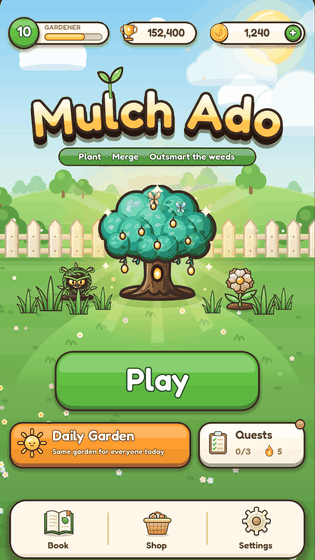
 A cozy merge puzzle with a prickly twist
Plant. Merge. Outsmart the weeds.
Plant seeds, merge them into towering trees, and box in the weeds before they take over. Trap one and it withers into Compost, the wildcard behind your biggest merges.
Coming soon to iOS and Android. Get notified

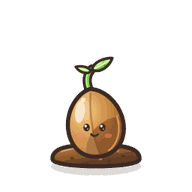 Seed
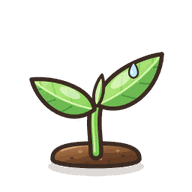 Sprout
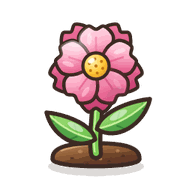 Flower
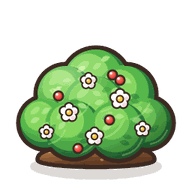 Bush
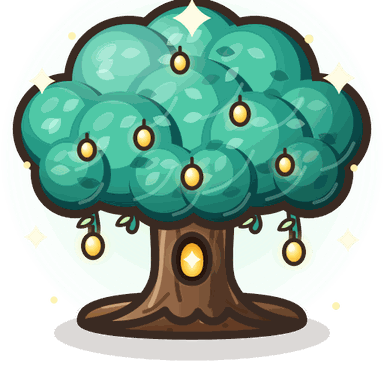
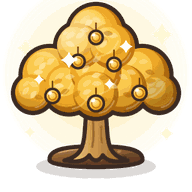
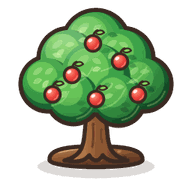 TreeGolden TreeAncient Tree
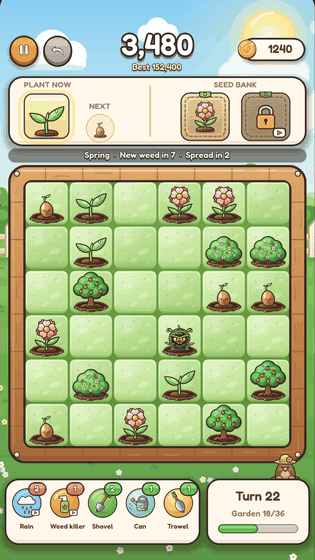
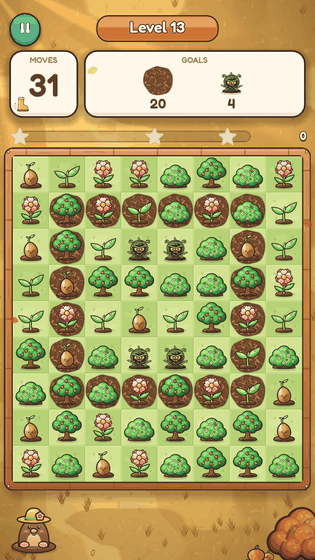
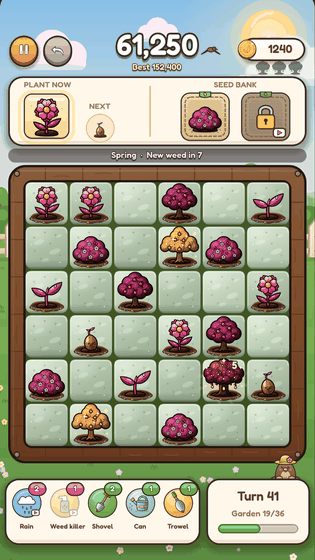
Every turn you plant one item on a 6×6 garden. Put three or more of the same plant side by side and they merge into the next stage, right where you planted.
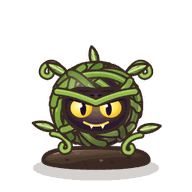
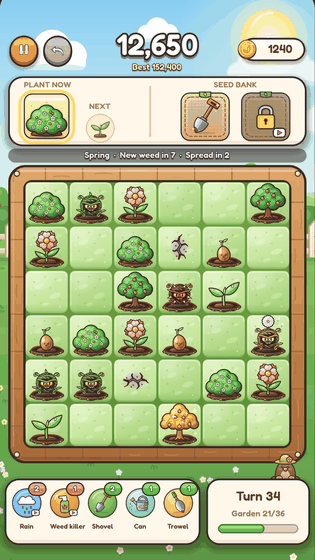
Weeds pop up on their own and spread into empty soil. Box one in so it has nowhere to go and it withers into Compost, a wildcard that counts as any plant next to it. Trapping weeds is not just clean-up. It is how you set up your biggest merges.
WeedCreeps into empty soil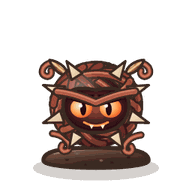 ThornweedBox it in twice
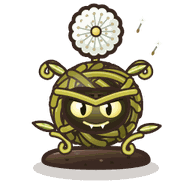 DandelionSeeds blow anywhere
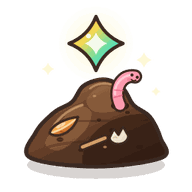 CompostCounts as any plant
Garden getting crowded? Call in Rain or Weed Killer.
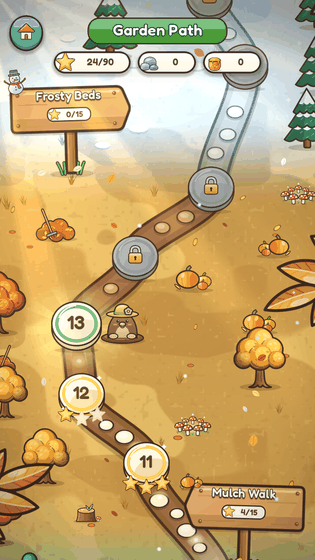
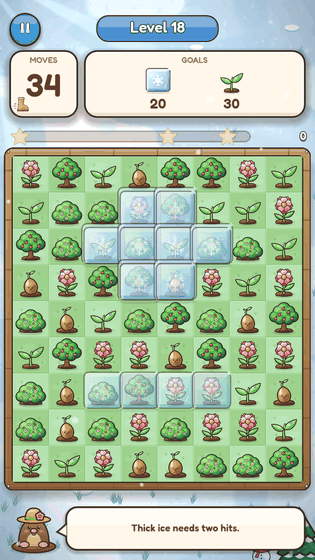
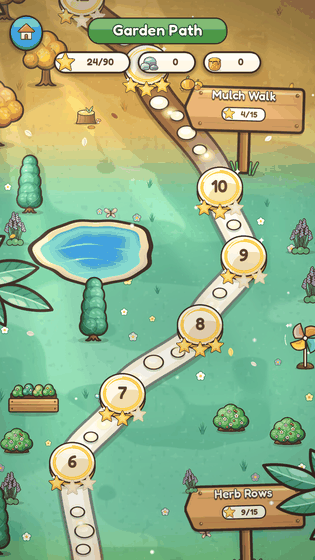
Take a stroll down the Garden Path. Swap two touching plants to line up three of a kind, hit each level's goals before you run out of moves, and earn up to three stars. Moss the mole walks you through every new trick.
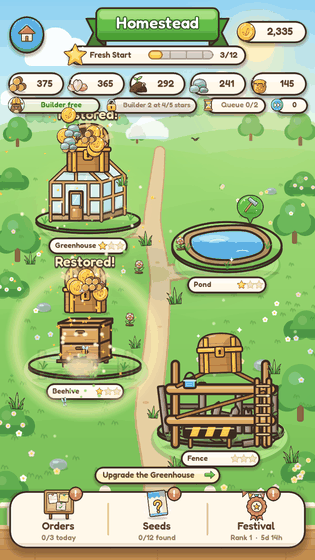
Everything you grow pays for something better. Restore a tumbledown greenhouse, dig out the pond, raise a beehive and mend the fence, then keep upgrading each one to three stars.
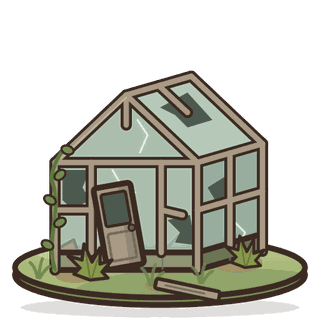 Overgrown
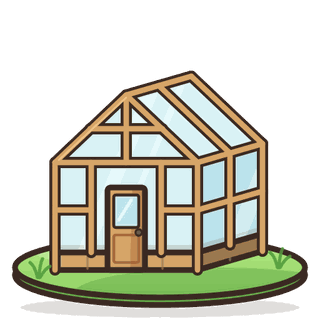 1 star
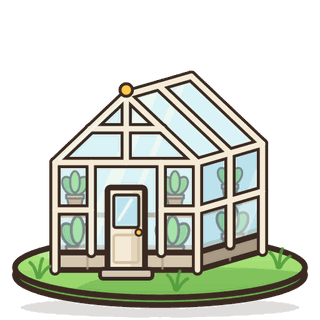 2 stars
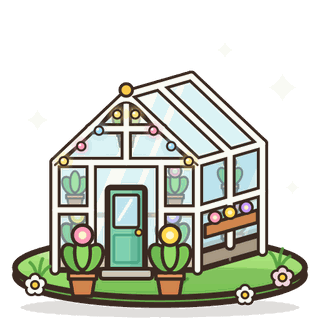 3 stars
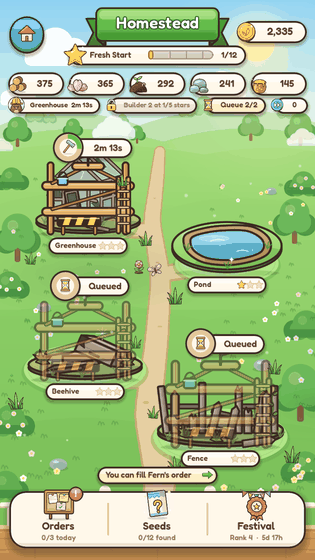
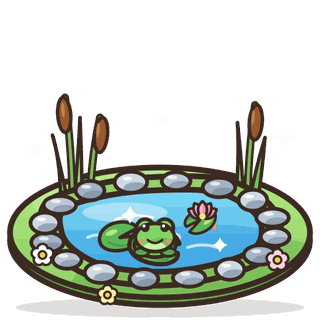 Pond
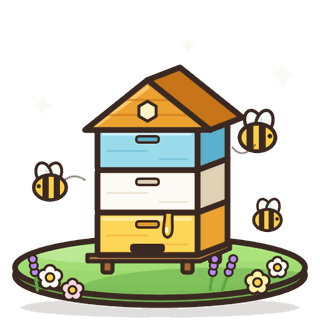 Beehive
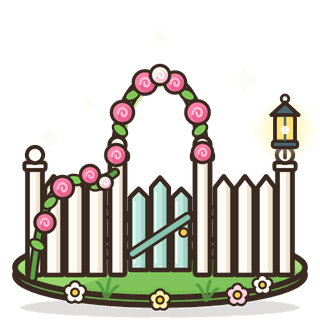 Fence
Short sessions, steady progress, and always one more thing worth planting.
Everyone gets the same seeds each day, with its own leaderboard. Same garden, same luck. Who plants it best?

Daily quests, streak rewards and a Gardener level, plus a Garden Book that fills in as you discover every plant.
Chase your best score and unlock achievements through Game Center and Google Play Games. No account to create, and it all plays offline.
Each theme recolours the plants, the soil, the board frame and the sky. Most unlock with coins you earn by playing or can be bought in the shop. Moonlight is the supporter theme.

The garden you start with.

Cherry blossom pinks on quiet stone.

Sage greens and sun-baked sand.

Glowing cyan flora from another world.

Bubblegum leaves and sugar-pink soil.

A silver-blue garden by night.
Tap an empty square to plant the item in your tray. You can see what comes next, and the Seed Bank holds one for later.
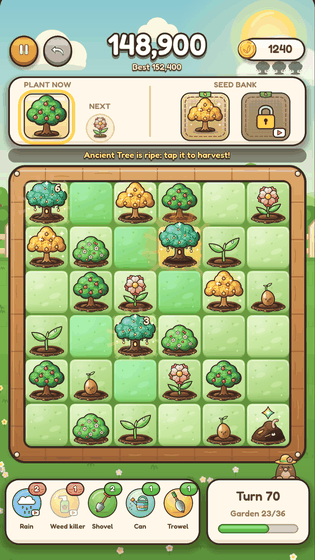
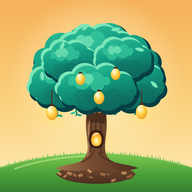
Line up three or more of the same plant and they merge into the next stage. Keep going until you grow an Ancient Tree.
Weeds spread into empty soil. Box them in to turn them into Compost, then use that wildcard to finish a merge.
Yes. Mulch Ado is free to download and play. It is supported by optional rewarded ads, an occasional ad between games, and optional in-app purchases such as No Ads, theme unlocks and coin packs. Buying No Ads removes ads from the game.
Yes. The garden, Garden Path levels, Homestead and the Daily Garden all run on your device. You only need a connection for ads, purchases, leaderboards and achievements.
No. There is no sign-up and no login. Your progress is saved on your device. Leaderboards and achievements use Game Center on iPhone and iPad or Google Play Games on Android if you have them switched on.
Place three or more of the same plant side by side and they merge into the next stage on the square you just planted: Seed, Sprout, Flower, Bush, Tree, Golden Tree and finally the Ancient Tree, which you can harvest. Merging four or more at once earns bonus points, and one merge can set off another for a chain.
Weeds sprout on their own and creep into empty soil. Box a weed in so it has nowhere to spread and it withers into Compost. Compost is a wildcard: it counts as any plant next to it, so a trapped weed often finishes your biggest merge.
Mulch Ado is coming soon to iPhone and iPad (iOS 15 or later) and to Android phones and tablets. Email hello@quivren.com and we will send you one message on launch day, nothing else.
Not yet. Progress lives on your device and is not uploaded anywhere. Purchases of permanent unlocks (No Ads, Starter pack, themes) can be restored on a new device from Settings > Restore purchases. See the support page for details.
More help, restoring purchases and deleting data: visit Support.
Coming soon to iOS and Android – get notified. Email hello@quivren.com and we will send you a single message on launch day. Your address is used for that one email and nothing else.